
MEET YOUR AI AGENT
Expertise.
With a friendly face.
 ↗
DTS ENGINEERING EXPERT
Your AI engineering agent.
Right inside Siemens NX CAD and CAM.
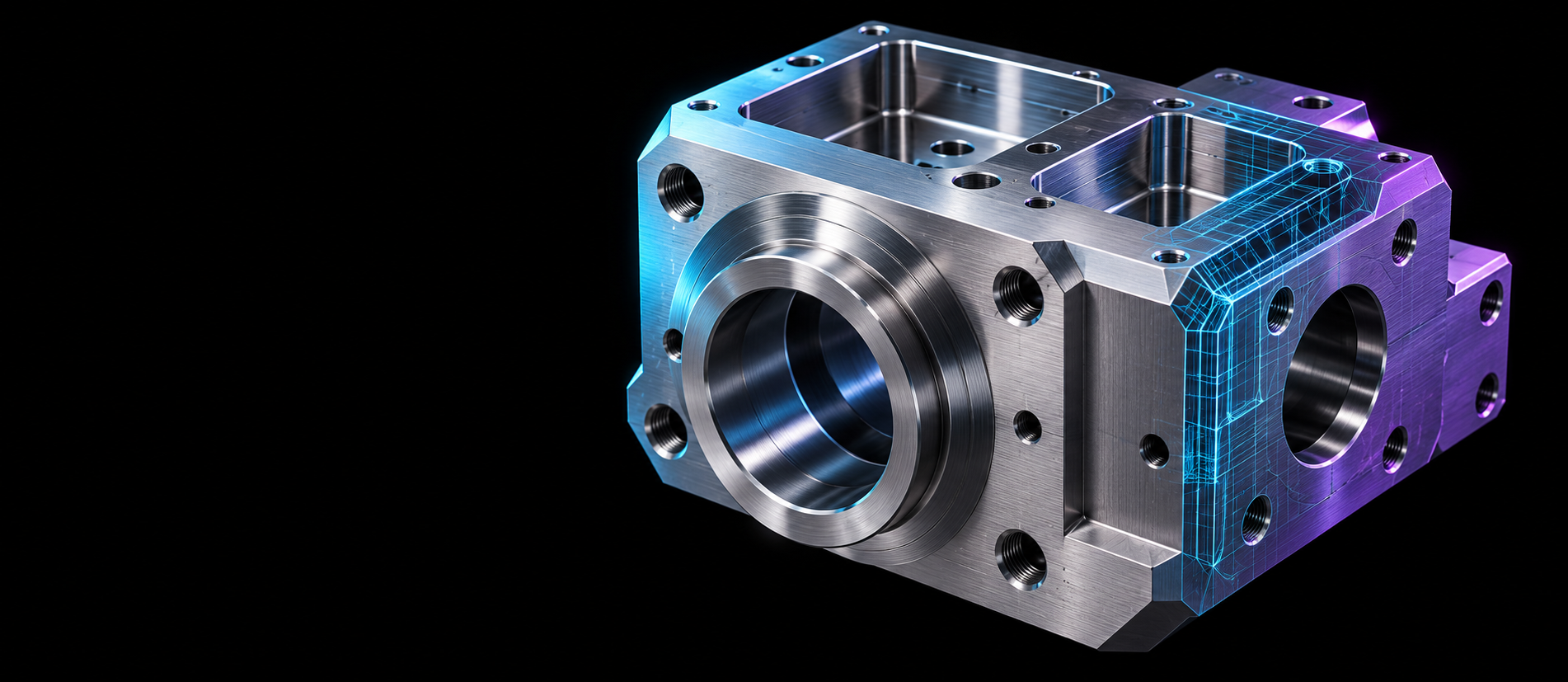
ENGINEERING, REIMAGINED
A new perspective on the work you know.
DEX works live in Siemens NX CAD and CAM.
Friendly. Calm. Practical. Meet DEX.
INSIDE SIEMENS NX
Stay in your engineering world. DEX works live inside Siemens NX, bringing a calm, practical AI agent to your CAD and CAM environment.
“Create a mounting bracket with four holes and rounded edges.”
THE DEX EXPERIENCE01 / 05
Describe the shape you have in mind. Explore a concept for turning engineering intent into a CAD model.
“Use this enclosure sketch as the starting point for a model.”
THE DEX EXPERIENCE02 / 05
Explore how a sketch or reference image could become the beginning of a model, with dimensions and design intent clarified along the way.
“Review this plastic enclosure for mold DFM.”
THE DEX EXPERIENCE03 / 05
An illustrative journey from a plastic part to mold design review: wall thickness, draft, and potential manufacturing concerns.
“Plan a roughing and finishing approach for this pocket.”
THE DEX EXPERIENCE04 / 05
A concept for a conversational CAM workflow, from machining intent to a toolpath proposal for engineering review.
VOICE INTERACTION“DEX, show me the next step.”
THE DEX EXPERIENCE05 / 05
Imagine discussing your next step with DEX while staying focused on the model. A visual preview of voice-led interaction.
Discuss availability and your specific workflow with DTS.
THE DEX CONNECTION
Explore the skills behind the work. See how design and manufacturing come together around one engineering AI agent.
DEX / CONNECTED INTELLIGENCEExplore the building blocks of a CAD workflow, with DEX at the centre of the conversation.
Start with a profile and the shape you want to create.
ILLUSTRATIVE SKILL & PROCESS MAP · Explore your workflow with Dream Technology System ↗
ENGINEERING INTELLIGENCE. HUMAN TOUCH.
DEX’s working state keeps you in the loop while your AI agent is on the task.
When more information is needed, DEX asks instead of guessing. A question card brings the conversation back to you.
A happy DEX signals that the task is finished. A small detail that feels human.
SEE DEX IN ACTION
Real runs in Siemens NX.
Pick a workflow.
THE DEX STORY
DEX is built on Siemens NX by the DTS engineering team in Singapore, for NX CAD and NX CAM.
VISION
DEX is our commitment to turning an ambitious idea into practical assistance, starting with NX CAD and NX CAM.
VISION
A thoughtful path towards more capable engineering assistance, with a clear distinction between today’s scope and tomorrow’s possibilities.
HOW IT WORKS
Start with your engineering intent. DEX brings the conversation into NX CAD and NX CAM.
INDUSTRIAL GRADE
Our view of industrial-grade AI starts with clear boundaries, understandable behaviour and engineering responsibility.
KNOW-HOW
A focused development philosophy: define the task, identify what it needs and refine the guidance around it.
DEX TODAY COVERS SIEMENS NX CAD AND CAM. FUTURE DIRECTIONS ARE SHARED AS VISION, NOT CURRENT CAPABILITY.
HOW IT WORKS
DEX works inside your Siemens NX session. Your engineers stay in control.
Type a request, share a reference image, or describe the intent in plain language.
DEX builds geometry or proposes CAM steps in your workspace, and asks when something is unclear.
You inspect, adjust and sign off. Results are checked by your team before production use.
SECURITY & COMPLIANCE
DEX runs on AWS in Singapore. The platform underneath is independently certified, and your engineering data stays under clear controls.
DEX runs on AWS in the Asia Pacific (Singapore) region.
The AWS infrastructure DEX runs on holds independent certifications. These belong to AWS, not DTS.
Data encrypted in transit and at rest, with restricted access.
Personal-data handling aligned with Singapore's PDPA.
Need our security questionnaire or data-handling summary? Talk to our team ↗
PRICING
Every plan has the same DEX and the same AI model. You choose how many credits you get each month.
All plans are priced in US$ per user per month, excluding GST. Starter and Master can be billed monthly or yearly (yearly saves about 17%). Team Starter and Team Master seats can be mixed in one team, from 2 users, and are billed yearly only. Enterprise is quoted for your organisation. Job counts are typical and depend on part complexity. DEX runs inside Siemens NX and needs a valid NX licence. CAM output is a proposal for your engineers to review.
Credits measure how much work DEX does. Every plan uses the same credits per task.
Typical figures. Complex parts use more. DEX shows an estimate before every big job and credits reset every month. Questions and command help are included, within fair use.
Add credits any time. Top-up credits are used after your monthly credits and last 12 months.
Packs cost at least as much per credit as any plan, so moving up a plan is cheaper if you need more every month.
BUILT BY DTS. MADE FOR ENGINEERS.

Book a walkthrough using a part and workflow like yours. DEX is created and owned by Dream Technology System Pte. Ltd., Singapore.
Book a demoFREQUENTLY ASKED QUESTIONS
Getting to know DEX.
One clear answer at a time.
DEX is the DTS Engineering Expert: an AI agent that works live inside Siemens NX CAD and CAM. DEX is created and owned by Dream Technology System Pte. Ltd., Singapore.
No. DEX runs inside NX and assists your team. Your engineers review and approve every result.
Text-to-model, image-to-model, mold DFM review and text-to-CAM. Bring a task from your own workflow to a demo and we will show what is supported today.
Ask us to show DEX working with your tool libraries and standards. What is supported depends on your NX setup and workflow, and we confirm it in your demo.
Instead of building scripts or macros, you describe the task in conversation inside NX, and DEX asks when your intent is unclear. We can show the difference on a part of your own.
Compatibility depends on your NX version, installed modules and workflow. Send those details and we will confirm the requirements for your setup in writing before you begin.
Requirements depend on your NX version and deployment. Before you begin, we provide the operating system, hardware and network requirements, including whether an internet connection is needed.
No. The conversation happens in your NX workspace. This website is a product introduction and does not connect to or edit your NX files.
No. You work through a conversational agent panel, not a code editor. You do need to understand the engineering task so you can review the result.
Before you share any confidential data, we explain the proposed deployment, what is processed and where, retention, access controls, and whether data is used for AI training. Ask for our data-handling summary.
We state this in writing before you share any project data. Ask for our data-handling summary, which covers AI-training use, retention and access.
DEX asks when it needs clarification, and you review results in your workflow. We will demonstrate how changes are reviewed for your intended use.
DEX asks instead of guessing. A question card in the agent panel lets you clarify the task so the conversation can continue.
Treat it as a proposal. Review tools, cutting data, workholding, toolpaths, simulation and your machine-specific post-processor first. Animations on this website are illustrative, not validated machining programmes.
Your NX version, whether you use CAD, CAM or both, and one task to explore. We then walk you through compatibility, installation and next steps.
Plans start at US$200 per user a month billed yearly (US$240 billed monthly). See Pricing for Starter, Master, Team and Enterprise plans. For an evaluation or a quote, contact Dream Technology System and terms are confirmed directly with you.
Credits measure how much work DEX does. A drawing uses 25, a CAM job for a bracket about 100 and a mold design set about 300, the same on every plan. Questions and command help are included. Your plan sets how many credits you get each month.
Yes. DEX runs inside Siemens NX and needs a valid NX licence for your setup. DTS does not supply NX licences.
Yes. Send a short description of your part and the CAD or CAM task, and we will agree a suitable demonstration and how to share any example files.
Ask us about onboarding, training and support options. We agree the level that suits your team during your demo.